
UX/UI Case Study · Concept Project
Time-Synced Music Comments
Improving engagement and community through time-synced music comments — exploring a new social layer inside Spotify.
Context
Spotify currently offers limited ways for users to share reactions or connect around specific moments in a track. Many listeners want to express emotions, highlight favourite parts, or see what the community feels — similar to SoundCloud’s time-based comment system. As social features continue to grow across streaming platforms, this project explores how Spotify could offer a richer, more connected listening experience.
This project explores:
Problem Statement
What’s missing in the current experience
Listening is emotionally rich, but socially silent
Artists receive no contextual feedback
No way to connect fans around shared musical moments
Passive listening experience
Tracks feel ‘silent’ compared to platforms in the market.
Persona
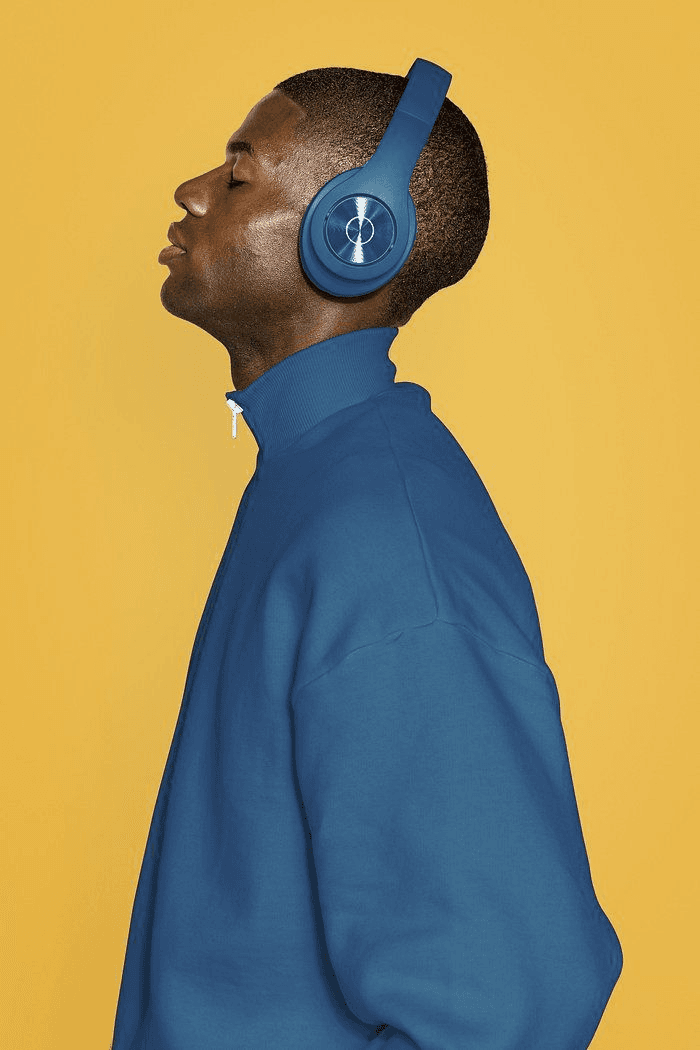
Bruno
32 · Music Lover
“I always want to mark my favourite moment in a track — but there’s no way.”
Needs
- React to favourite songs
- Share a feeling at the exact moment of a track
- See what others think
Frustrations
- Lack of social interaction inside Spotify
- Can’t share experiences with friends inside the app
- Lack of social oriented features
UX Goals
Add social interaction without disrupting the core listening experience.
Allow comments linked to specific moments on a song.
Ensure the feature feels optional and not intrusive.
Maintain accessibility with simple interactions.
Keep UI clean, minimal and consistent with Spotify.
Wireframes
Key screens
Now Playing
User holds the progress bar to open a comment at a specific timestamp.
Type a Comment
A bottom sheet slides up with a keyboard and the selected timestamp shown.
Comments Screen
A chronological feed of comments, each anchored to a moment in the track.
“Displaying comments chronologically preserves emotional context and narrative flow. It allows users and artists to understand how a moment was experienced over time, rather than seeing disconnected or random reactions.”
Interactive Prototype
Hold the progress bar to comment on this moment
Final prototype
The design introduces comments without compromising the clarity of Spotify’s core playback interface. By using existing colour tokens, bottom-sheet interactions, and subtle motion, the feature integrates naturally into the current UI — adding community without adding noise.
Now Playing
Music plays normally — no distraction.
Hold to comment
Hold the progress bar at any timestamp.
Type & send
Keyboard slides up. Type and post.
Comments feed
Your comment lives in the track forever.
Colour palette
Outcome
How this feature adds value to the listening experience
A social layer that enhances listening without interrupting it
Better engagement
Simple and intuitive social experience
Active community
Users are connected through a shared listening experience
From passive consumption to meaningful participation.
This is a fictional case study created for portfolio purposes. It is not affiliated with, commissioned by, or endorsed by Spotify.
← Back to Works